
Explainers
Six explainers on everyday technology and staying safe
Each explainer covers one topic in plain language, based on official guidance named at the end of the page. They can be read in order, starting with how the internet reaches your home, or one at a time.
-
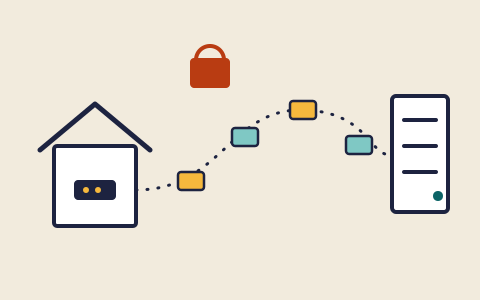
Explainer 01
How the internet reaches your device, and what your router does
Packets, addresses, domain names and encryption in plain language, followed by the router settings worth checking at home.
-
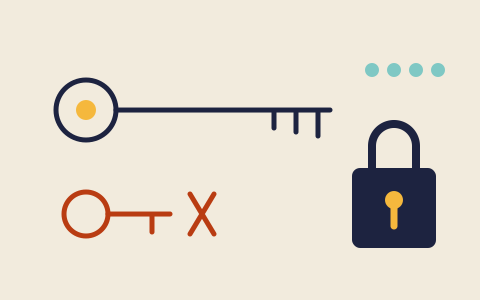
Explainer 02
Passwords and passkeys: what makes a login hard to steal
Why length and uniqueness matter more than odd symbols, how password managers help, and what passkeys change about signing in.
-
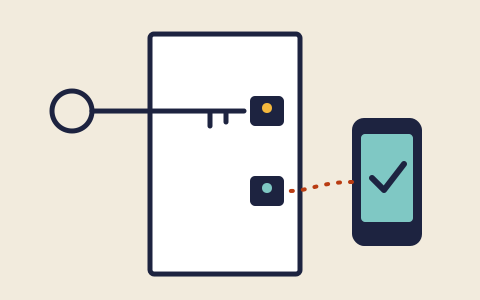
Explainer 03
Multi-factor authentication: a second lock on your accounts
What a second factor is, the common kinds from text codes to security keys, which resist phishing best, and where to switch it on first.
-
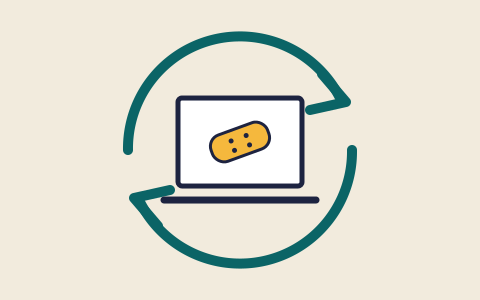
Explainer 04
Software updates: why the reminder matters
What an update or patch actually fixes, why automatic updates are the usual advice, and how to tell a real update from a fake prompt.
-
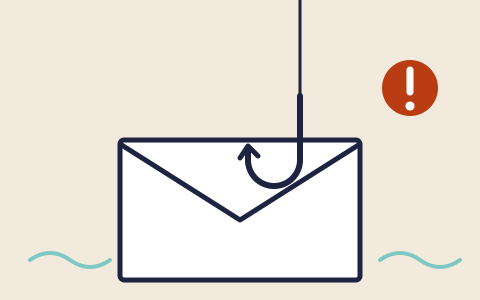
Explainer 05
Phishing and scams: recognising the pattern before you reply
The handful of signs that most scam emails, texts and calls share, why caller ID can lie, and how to check and report a message safely.
-
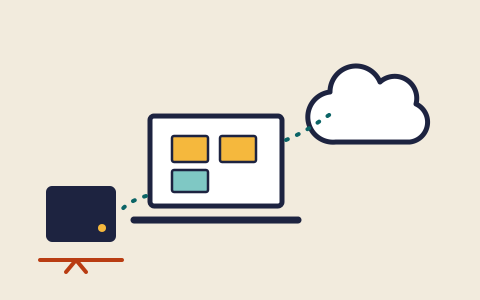
Explainer 06
Backups: keeping a copy that survives a bad day
What to back up, where copies can live, why one copy should stay disconnected, and why a backup only counts once you have restored from it.
Looking for a definition rather than a full explainer? Try the glossary.