
Evergreen explainers, not news
Everyday technology, explained plainly.
Dailyz Technology explains how the technology you use every day works, and how to stay safe while you use it. Each explainer is written from official guidance by CISA, NIST, the FTC, the FCC and the UK National Cyber Security Centre, in plain language, with nothing to sell.
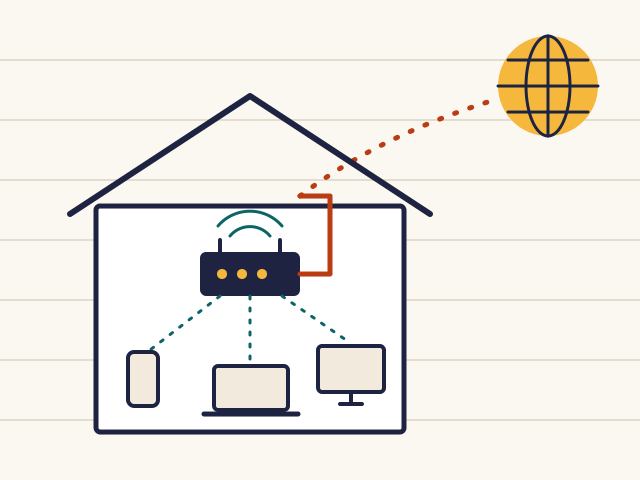
Four habits
The four basics CISA asks everyone to start with
CISA's Secure Our World guidance boils everyday online safety down to four steps. Each one has its own explainer here.
Use strong passwords
Long, random and unique for every account, kept in a password manager.
Turn on MFA
A second proof of identity, so a stolen password is not enough.
Recognise and report phishing
Spot the pattern scam messages share, and check through your own route.
Update software
Let updates install automatically, and only from the real source.
The explainers
Six explainers, from the wire to your backups
Start with how the internet reaches your home, or go straight to the topic you need. Each explainer stands on its own and ends with practical steps.
-
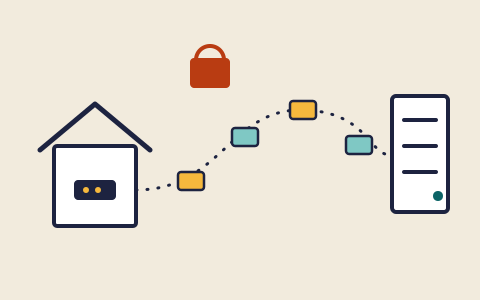
Explainer 01
How the internet reaches your device, and what your router does
Packets, addresses, names and encryption, then the home router.
-
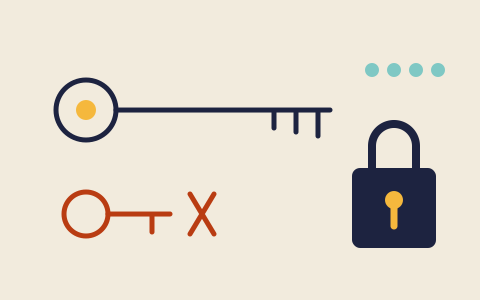
Explainer 02
Passwords and passkeys: what makes a login hard to steal
Long, unique passwords, password managers, and how passkeys work.
-
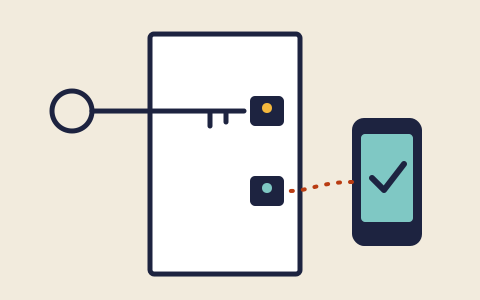
Explainer 03
Multi-factor authentication: a second lock on your accounts
The kinds of second factor, which resist phishing, and where to start.
-

Explainer 04
Software updates: why the reminder matters
What patches fix, automatic updates, and fake update prompts.
-
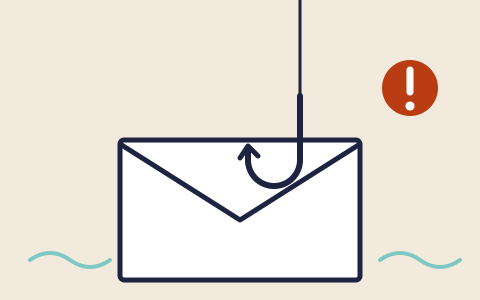
Explainer 05
Phishing and scams: recognising the pattern before you reply
The shared signs of scam messages, and how to check and report one.
-

Explainer 06
Backups: keeping a copy that survives a bad day
What to copy, where to keep it, and testing that it restores.
How these explainers are made
Official guidance, in plain words
Online safety advice is full of folklore, alarm and products to buy. These explainers take a narrower route: they start from what government security and consumer agencies and Internet standards actually say, name those documents on every page, and avoid claiming more than the sources support.
- Sourced, not guessedEach explainer lists the official documents it relies on, from agencies such as CISA, NIST, the FTC, the FCC and the UK NCSC.
- Evergreen, not newsThis is not a news site. The explainers cover lasting basics and are re-checked against their sources rather than updated daily.
- Nothing for saleNo products are recommended by brand, and there are no adverts, affiliate links or tracking scripts.
Stuck on a term?
Router, resolver, patch, passkey: the glossary has short definitions
Technology comes with a lot of jargon. The glossary explains the terms used across these explainers in a sentence or two each, and points to the explainer that covers each one in depth.